Your company just gave everyone access to a generative AI tool. Your manager says it will save hours every week. You open a chat window and type your first question. The answer comes back in seconds, sounds authoritative, and turns out to be wrong.
That gap, between "it sounds right" and "it is right," is what this guide is about.
This is not a technical explainer. You do not need to understand how generative AI works to use it well. But you do need to understand three things that no vendor demo will tell you: how to give the AI clear instructions, how to catch it when it makes things up, and what information you must keep out of it entirely.
The central kitchen: what AI actually does
Here is the clearest way to understand how a generative AI model works, without getting into computer science.
Think of a central kitchen that has processed hundreds of millions of recipes, menus, and food combinations. When you place an order, the kitchen does not look up a recipe. It does not go to a bookshelf and pull out a book. It draws on everything it has ever seen and cooks something that looks like what you asked for, based on patterns in its training.
This is the important difference from a search engine. A search engine finds existing documents. Generative AI creates new output. It is cooking from pattern recognition, not retrieving a stored answer.
That distinction explains both the strength and the risk. The strength: it can produce something original and contextually appropriate. The risk: it can produce something that looks just as confident and polished, even when it is built on a faulty pattern.
A search engine shows you a link you can trace back to a source. Generative AI shows you an answer with no footnotes and full confidence. You cannot tell the difference between a correct output and a convincing mistake just by reading it.
When the kitchen gets the dish wrong
Hallucination: confident, wrong, and your responsibility
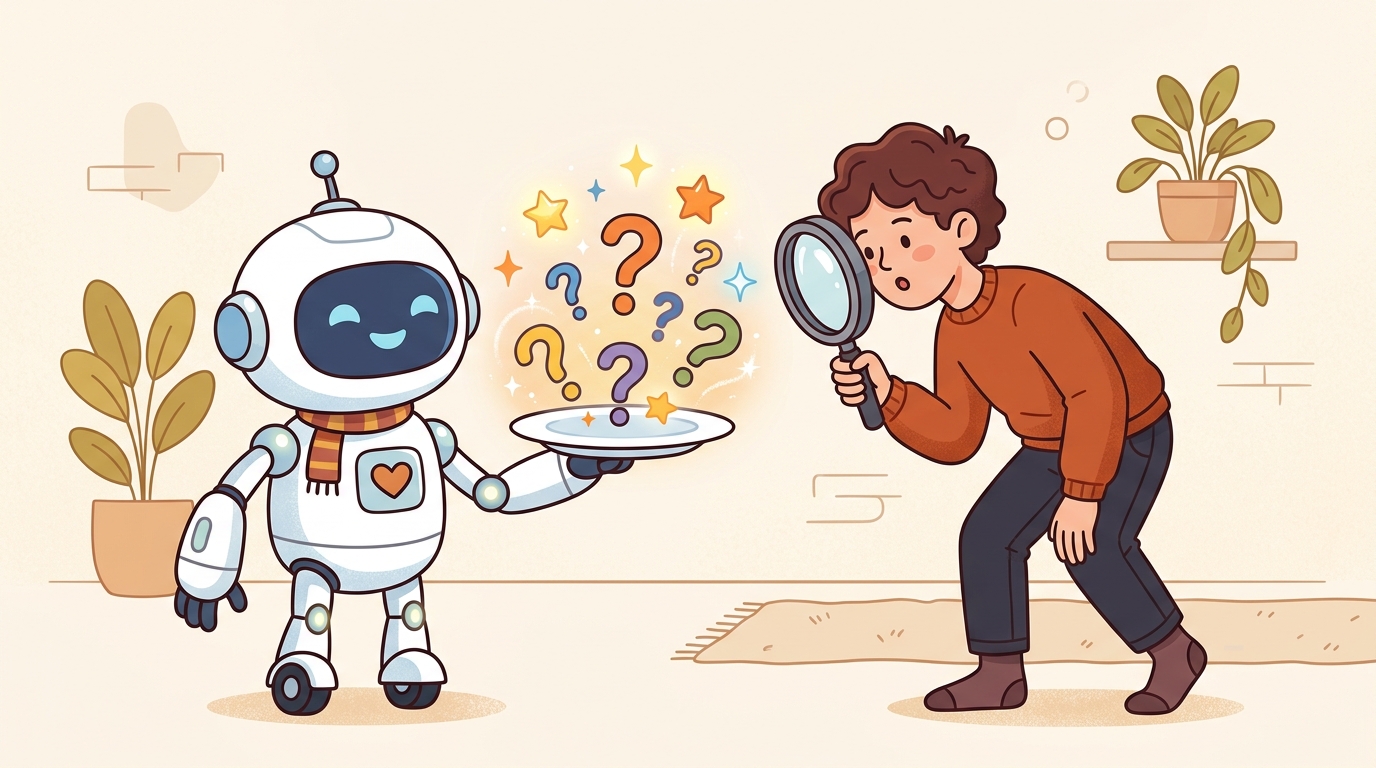
The most important thing to know about generative AI is this: it will sometimes produce information that is completely fabricated, stated with complete certainty.
This is called hallucination. The model is not lying. It does not know it is wrong. It is generating the most statistically plausible continuation of your prompt, and sometimes that continuation happens to be false.
In practice, this means:
- A contract summary that gets a key clause backwards
- A client briefing that cites a report that does not exist
- A compliance checklist that misses a regulation introduced after the model's training cutoff
- A product specification with a number that looks plausible but is incorrect
All of those can pass a quick read. None of them will be flagged by the AI.
The rule is simple: every AI output is a first draft. You are the editor, and the final accuracy is your responsibility. If an AI-generated document goes out with errors, the accountability sits with the person who sent it, not with the tool. This is not a technicality. It is a practical reality in any regulated industry, and in most client relationships.
Before any AI output goes to a client, a senior colleague, or an official file: verify the facts. Especially numbers, citations, regulatory references, and anything time-sensitive.
Writing a clear order: the prompt framework

The single biggest factor in AI output quality is the quality of the instruction you give it. Vague orders produce vague results. Garbage in, garbage out.
Most employees approach AI the way they approach a search engine: type a few keywords and hope for something useful. That approach produces mediocre output. A structured prompt produces consistently better results.
Use this framework for any task that matters:
Background: Give the AI the context it cannot see. Who is the audience? What is the situation? What decisions will this output inform?
Task: State exactly what you want it to do. Not "write something about," but "write a 200-word summary that explains X to Y, in plain language, focused on Z."
Output format: Specify what the result should look like. A bullet list. A three-paragraph email. A table with two columns. A draft in formal business Japanese.
Before the framework:
"Summarize our service for a client."
The AI will guess what service, guess what level of detail, and guess what the client needs. The result will be generic.
After the framework:
"Background: We are pitching to a mid-size logistics company that has never used AI tools. They are skeptical about return on investment (ROI) and worried about implementation cost. Task: Write a 150-word plain-language summary of how ARUO's AI integration service would reduce their manual data entry workload. Output format: Three short paragraphs. No jargon. No bullet points."
That prompt gives the AI something to work with. It will still need your review. But it will produce something closer to what you actually need.
The more specific you are, the less editing you will do afterward. Time invested in a clear prompt saves more time than it costs.
What must never go into a public AI tool
This section is not optional reading. It is a compliance requirement.
Public AI tools, including most consumer-facing products and many enterprise-tier tools unless specifically contracted otherwise, send your input to external servers. That input may be used to train future models. Once it leaves your device, you do not control it.
The following categories of information must not be entered into any public AI model under any circumstances:
Customer and client data
Names, contact details, account numbers, transaction histories, personal identification information (passport, tax ID, national ID), or anything a client has shared under a confidentiality agreement or privacy expectation.
Non-public financial information
Revenue figures, budget plans, pricing strategies, deal terms, or financial forecasts that have not been disclosed publicly. Entering these into a public model may breach confidentiality obligations and, in some cases, securities or privacy requirements.
Core proprietary code and systems
Source code for proprietary products, internal application programming interface (API) structures, system architecture details, or anything covered by a non-disclosure agreement (NDA).
Personnel and human resources (HR) information
Employee performance records, compensation data, disciplinary records, or anything covered by labor law confidentiality obligations.
Ongoing legal matters
Any facts, communications, or documents related to litigation, regulatory investigations, or legal disputes.
When in doubt, ask yourself: "Would I be comfortable if this input appeared on the front page of a newspaper, or in a competitor's system?" If the answer is no, do not enter it.
If your organization has a company-approved AI environment with a data processing agreement in place, different rules may apply. Ask your information technology (IT) or compliance team which tools are approved for which types of data.
Your role: chef, not assistant

There is a real concern that AI will replace jobs. That concern is worth taking seriously, but the framing is usually wrong.
What is changing is not whether humans are involved, but where in the process humans are involved.
Early AI deployments required a human to approve every single output before anything moved forward. In AI terms, this is called Human-in-the-Loop (HITL): a person sits inside every step of the process. It is safe, but it is slow. If every email draft or report summary requires manual sign-off, you recover very little of the time the AI was supposed to save.
The model that works in practice is Human-on-the-Loop (HOTL). In this setup, the AI handles routine drafts, summaries, and first passes autonomously. The human is not inside every transaction. Instead, the human operates at the oversight layer: setting standards, spot-checking outputs, catching errors before anything critical goes out, and making the judgment calls that require context or authority the AI cannot have.
Think of the kitchen again. The executive chef does not chop every vegetable. They design the menu, set the standards, and train the team. During service, they move through the kitchen, spot-checking dishes, tasting sauces, and stepping in personally when something important goes out: a dish for a VIP table, a new item the kitchen has not served before, anything where a mistake would matter. They are not reviewing every plate. They are reviewing the right plates, at the right moments.
That is your role with AI output. You are not being replaced by the kitchen. You are the head chef. Your job is to know when to step in, not to sign off on everything.
In practice, this means: let the AI handle the routine first pass, but personally verify anything that goes to a client, anything with specific numbers or regulatory implications, and anything that falls outside a familiar pattern. The rest can move faster. That is the efficiency gain, and it only works if you stay engaged at the oversight level rather than stepping back entirely.
This requires a different kind of attention than doing the work yourself. You are reading to catch what is wrong, not to write what is right. You are asking: does this match what I know? Does this citation check out? Does this number make sense given what I know about the account? That critical reading habit is what separates a team that uses AI well from a team that publishes confident mistakes.
A short checklist before you send anything AI-assisted
- Did you use a clear prompt with background, task, and output format?
- Have you verified any numbers, statistics, or regulatory references in the output?
- Have you removed any client names, personal data, or sensitive figures from the prompt before entering it?
- Are you sending this from an approved internal AI tool, or a public one?
- Would you be comfortable putting your name on this, knowing it was AI-assisted?
If you can answer yes to all five, you are using AI the way it is meant to be used.
If you have questions about whether a tool is approved or how to handle sensitive data, reach out to the IT or compliance team. For updates on company AI guidelines, check the internal portal.