Executive Summary: The Desk Metaphor for Enterprise AI Memory
Many enterprise AI pilots struggle with accuracy when processing long or complex documents. The root cause is not always model intelligence. Instead, it is often the restriction of the context window, which acts as the working memory of the large language model (LLM).
To visualize how context windows work, imagine an executive desk surface area.
- A small context window (4,000 to 8,000 tokens) is like a small student desk. You can only view one short memo at a time. If you need to analyze a 300-page operational manual, you must constantly swap pages, risking lost context and missed details.
- A massive context window (such as modern frontier LLMs with million-token context capabilities, including Google Gemini) is like a large conference table. You can lay out dozens of full-length financial audits, codebases, and legal contracts side-by-side for instant cross-referencing.
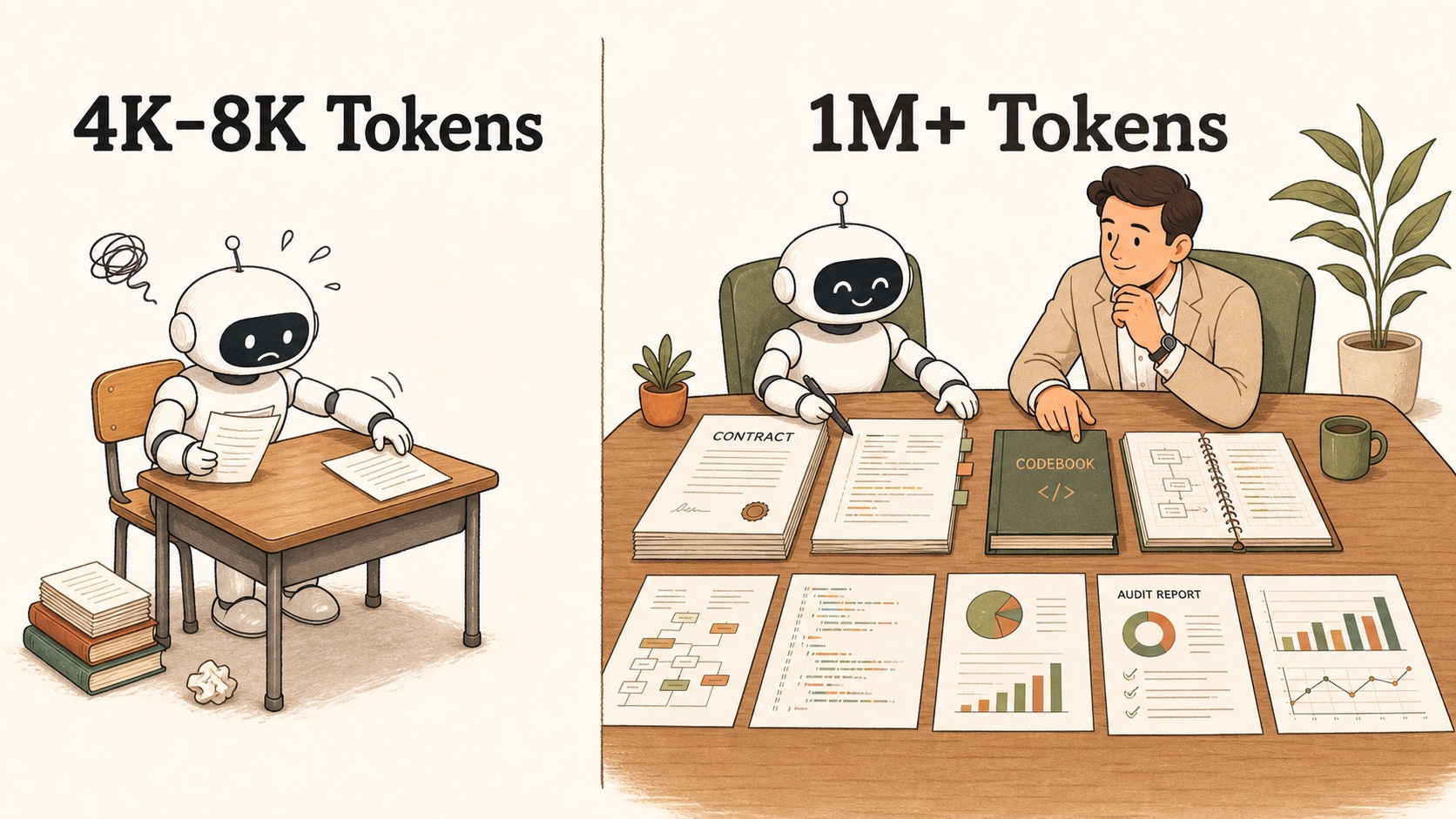
Understanding this mechanism allows enterprise leaders to make informed architectural decisions for digital transformation (DX) initiatives.
What is a Context Window and How Are Tokens Counted?
Before evaluating enterprise AI systems, business leaders must understand two foundational concepts:
- A token is the basic unit of text processed by a large language model (LLM). In English, one token is roughly four characters or three-quarters of a word. In Japanese, token counts vary by model and context, and a single character may map to one or more tokens.
- The context window is the maximum number of tokens a model can process in a single interaction loop. It includes your input prompt, attached files, conversation history, and the generated response.
When an interaction exceeds the context window capacity, earlier information is typically truncated, compressed, or omitted depending on system architecture. In an automated business workflow, this limitation can cause critical contract terms, security guidelines, or client specifications to be overlooked.
Why Desk Size Dictates Enterprise Digital Transformation (DX) ROI
Standard AI pilots often fail when transitioning from simple chat interfaces to complex business workflows. Context window capacity directly affects three critical enterprise digital transformation (DX) capabilities:
- Cross-Document Synthesis: Small context windows force teams to break documents into isolated fragments. A massive context window allows the model to analyze multi-year legal agreements alongside updated compliance regulations at the same time, finding subtle contradictions across files.
- Code Module and Log Inspection: In software engineering and information technology (IT) operations, modernizing legacy systems requires reading thousands of lines of code. A large context window enables an engineer to feed substantial code modules and system logs into the model, mapping dependencies without manual slicing.
- Extended Multi-Turn Conversations: In long customer support dialogues or multi-step analysis tasks, small context windows lose track of early user instructions. Large context windows retain extended conversation history, helping preserve initial instructions throughout long dialogues.
Technical Nuances: Large Context Windows vs. RAG (Retrieval-Augmented Generation)
A common misconception among business leaders is that a multi-million token context window eliminates the need for enterprise data architecture. In reality, large context windows and retrieval-augmented generation (RAG) serve complementary roles:
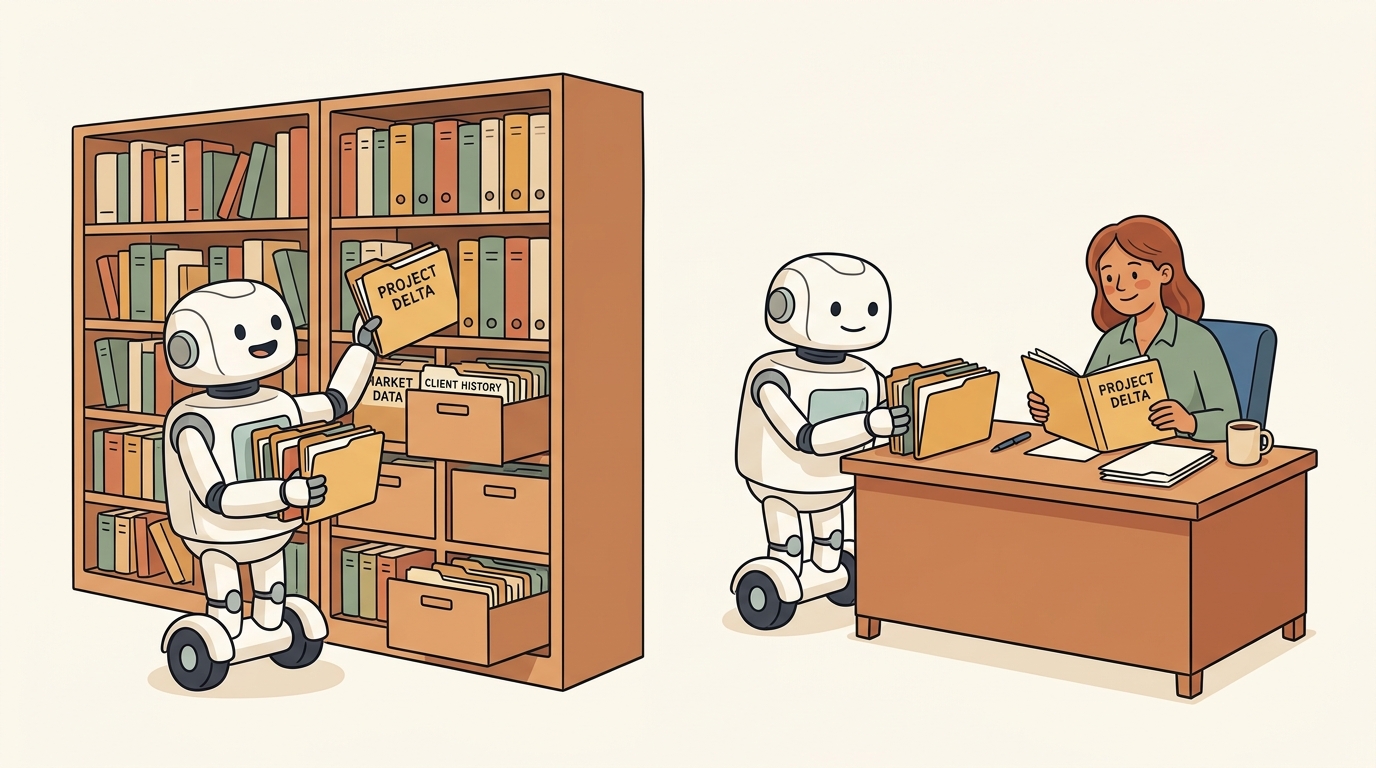
- The Active Desk vs. The Filing Cabinet:
- Large context windows work like an active desk. They are ideal for deep reasoning across a specific set of complex, multi-page documents currently in active review.
- Retrieval-augmented generation (RAG) works like a filing cabinet. It is essential for searching across millions of company documents to retrieve the exact five files needed for the current task.
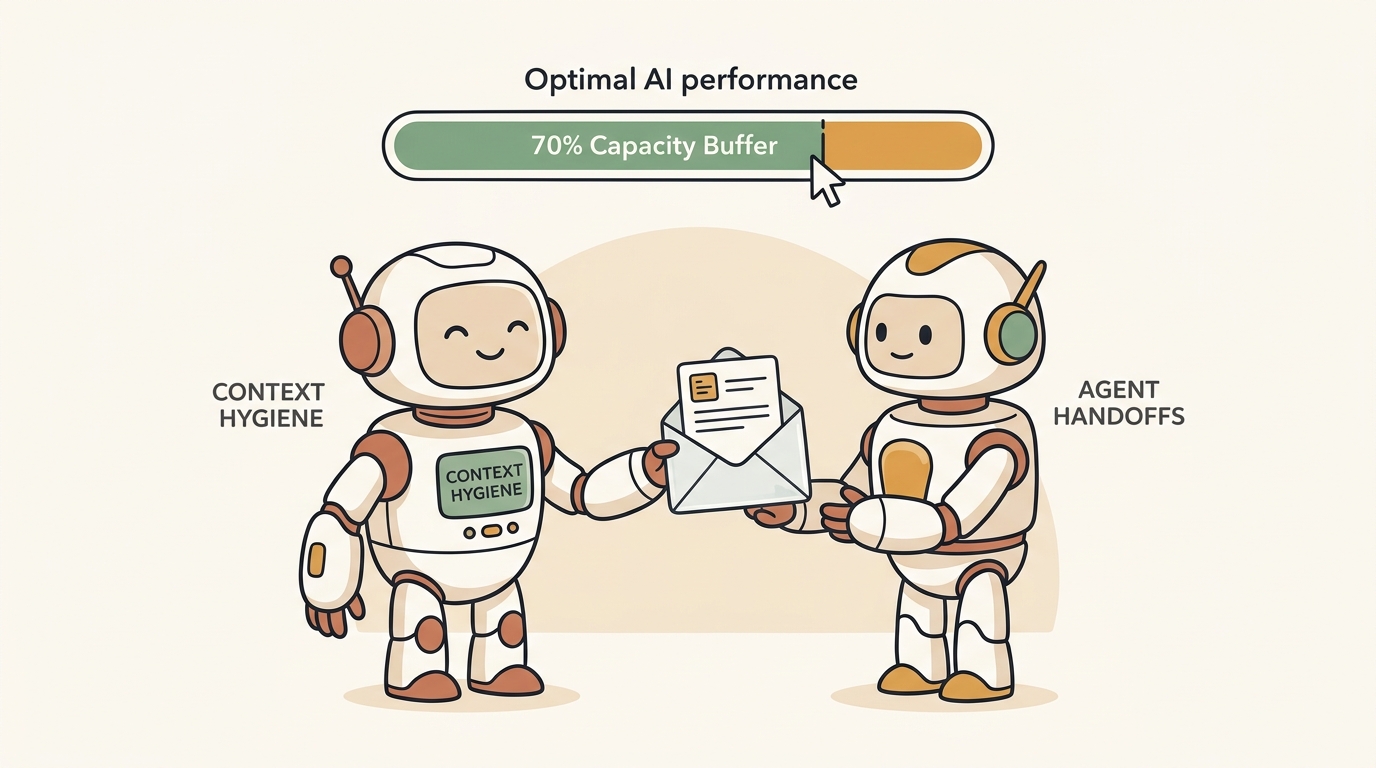
- Managing Context Capacity Limits: Even when a large desk is available, filling it to maximum capacity can create performance bottlenecks. In practice, engineering teams often keep active context utilization within a target buffer (such as 70% of maximum capacity) to maintain predictable response quality. Running close to total capacity can increase attention drift, processing latency, and answer variance. Leaving an operational buffer keeps context management stable for production workflows.
- Operational Context Hygiene (Handoffs and Compaction): To maintain optimal AI performance across complex, multi-step workflows, enterprise systems must practice strict context hygiene. Key techniques include structured agent handoffs and pickup protocols (transferring clean state dossiers between specialized subagents) and context compaction (periodically summarizing long conversation histories). These practices ensure the model stays within its optimal operating window.
- The "Needle in a Haystack" Challenge: Processing 1 million tokens does not guarantee perfect recall. Attention mechanisms can suffer from position bias, where details placed in the middle of a massive context window receive less focus than items at the beginning or end.
- Cost and Latency Considerations: Sending 1 million tokens in every application programming interface (API) call increases compute latency and token processing costs. Optimal enterprise architecture uses retrieval-augmented generation (RAG) to fetch relevant files, then leverages a large context window to synthesize them on the active desk.
Actionable DX Strategy: Choosing the Right Desk for Your Workflow
Enterprise leaders should evaluate context window requirements based on workload complexity:
- Standard Operational Tasks (Small Desk: 8K to 32K Tokens): Suitable for single-email drafting, quick customer query responses, and short text summarization.
- Complex Enterprise Workflows (Medium Desk: 128K Tokens): Required for analyzing medium-length reports, processing quarterly financial summaries, and handling standard technical documentation.
- Strategic System Transformation (Massive Desk: 1M+ Tokens): Necessary for full document audits, complex legal risk assessments, and legacy codebase refactoring.
By matching workflow requirements with appropriate context window capacities, operational capacity buffers, and retrieval architectures, enterprises maximize return on investment (ROI) while managing computational costs effectively.